Monitor, assess and brief in one place.
The workbench is Praxis in the browser. Every module reads the same lens from the same API, so what you see can be shared, exported and reproduced.
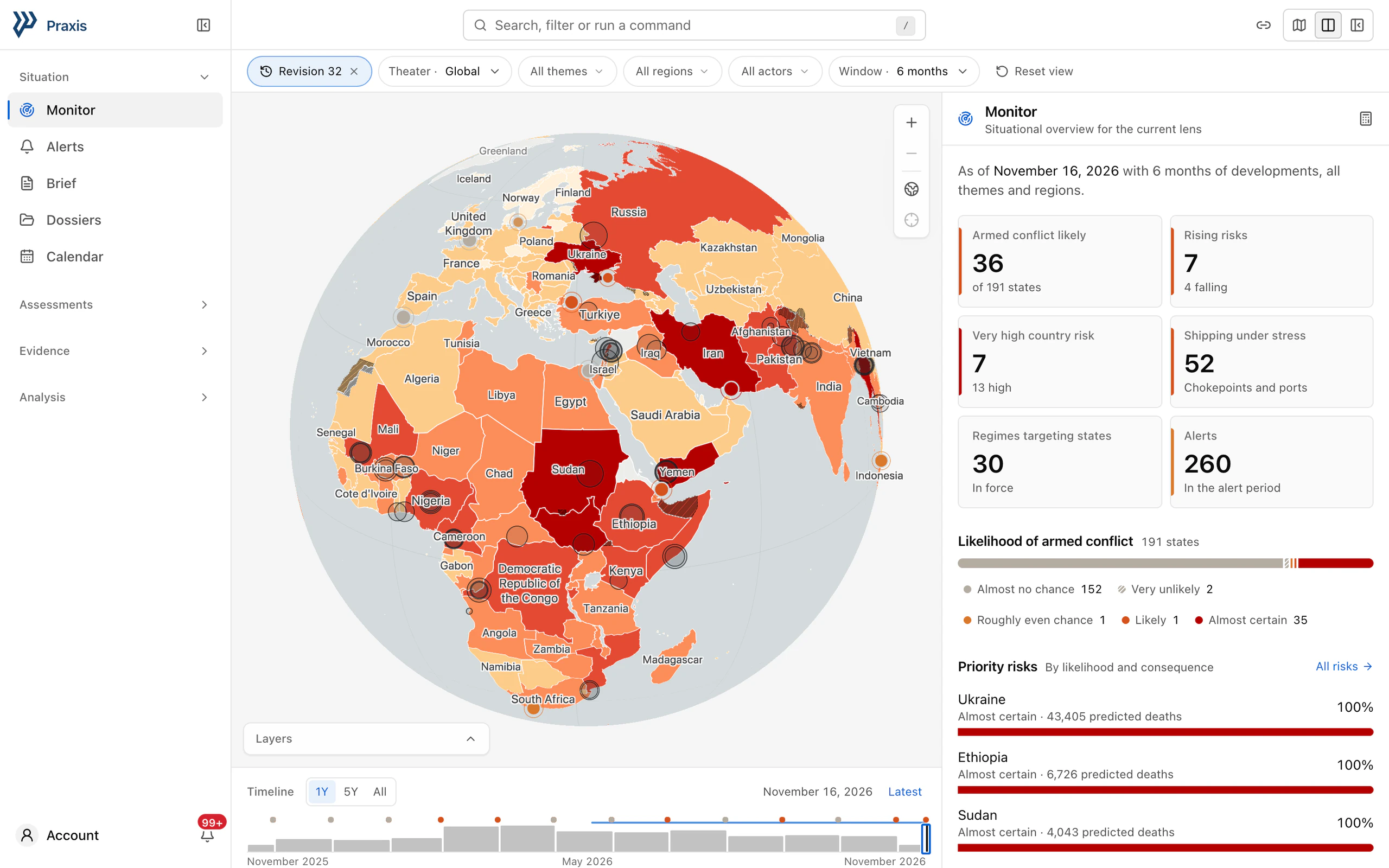
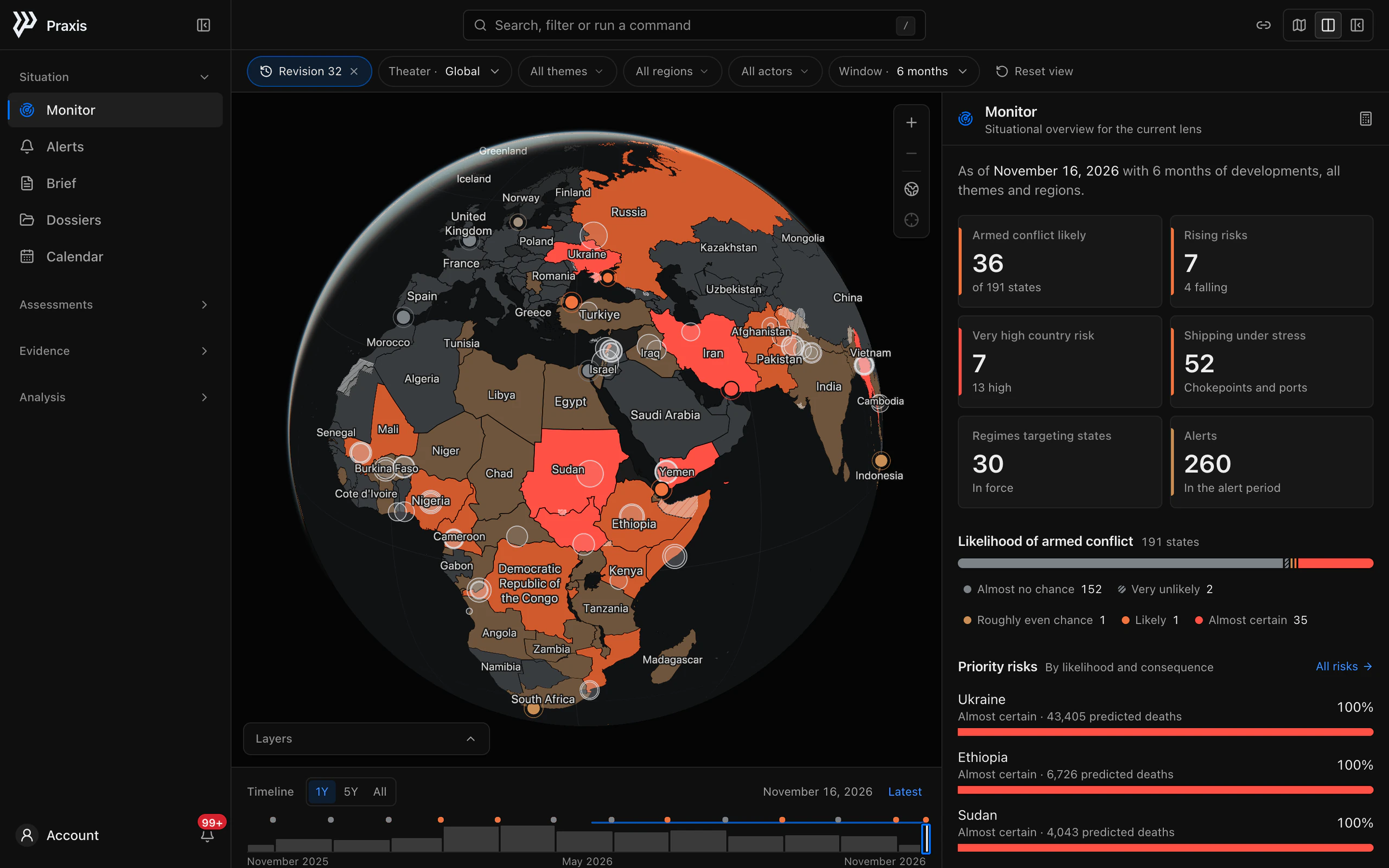
Every view opens on real data.
Modules are grouped by the question they answer. Each opens with what it shows and as of when, then its headline figures, then the records behind them.
Situation
What is happening now, and what changed.
- Monitor
- Alerts
- Brief
- Dossiers
- Calendar
Assessments
How exposed each state, corridor and partner is.
- Risks
- Countries
- Indices
- Early warning
- Conflicts
- Maritime
- Dependencies
Evidence
The records behind every assessment.
- Developments
- Sanctions
- Indicators
Analysis
What may come next, and how it is computed.
- Outlook
- Scenarios
- Forecasts
- Methodology
Globe
See the lens on a map.
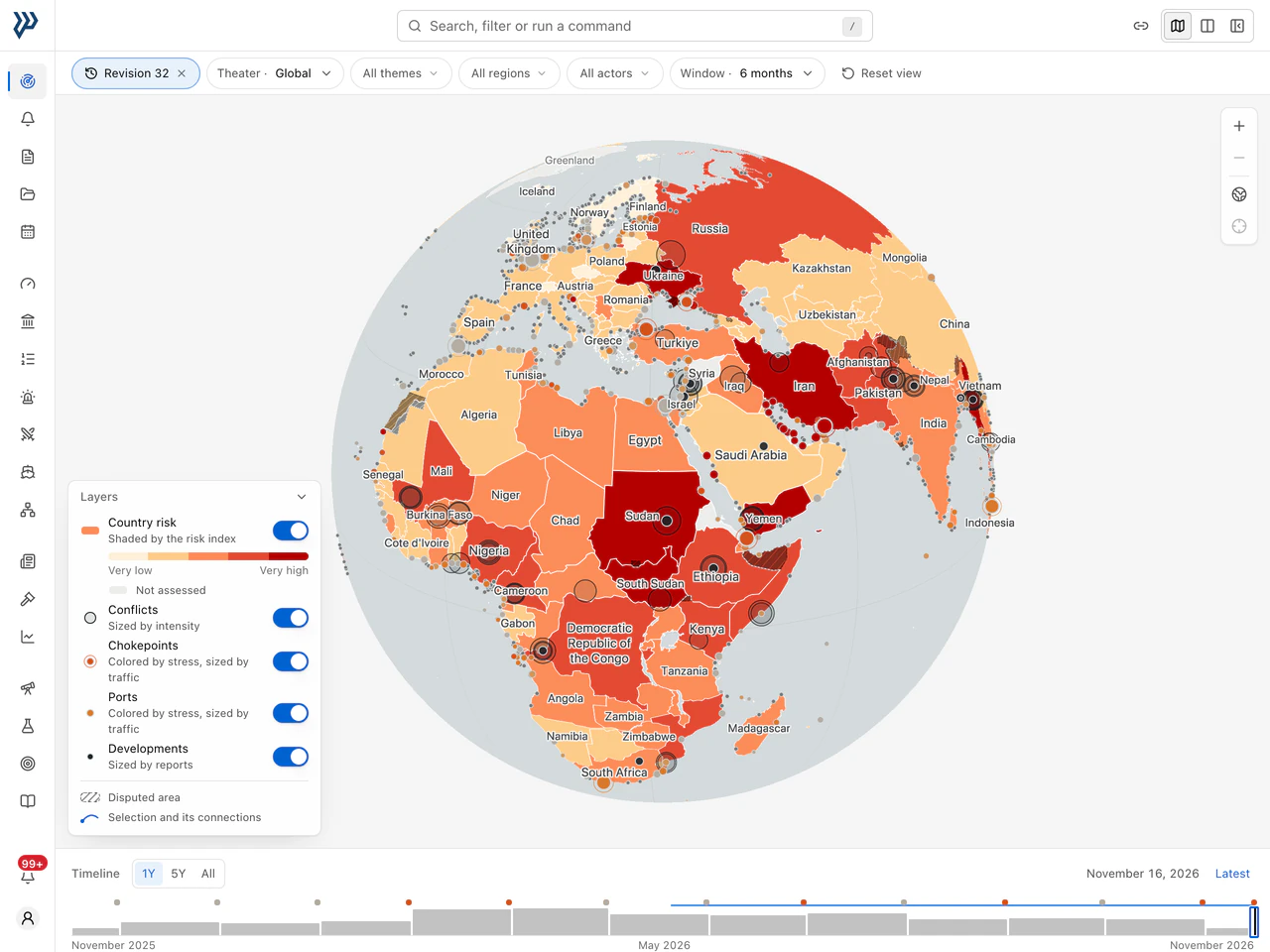
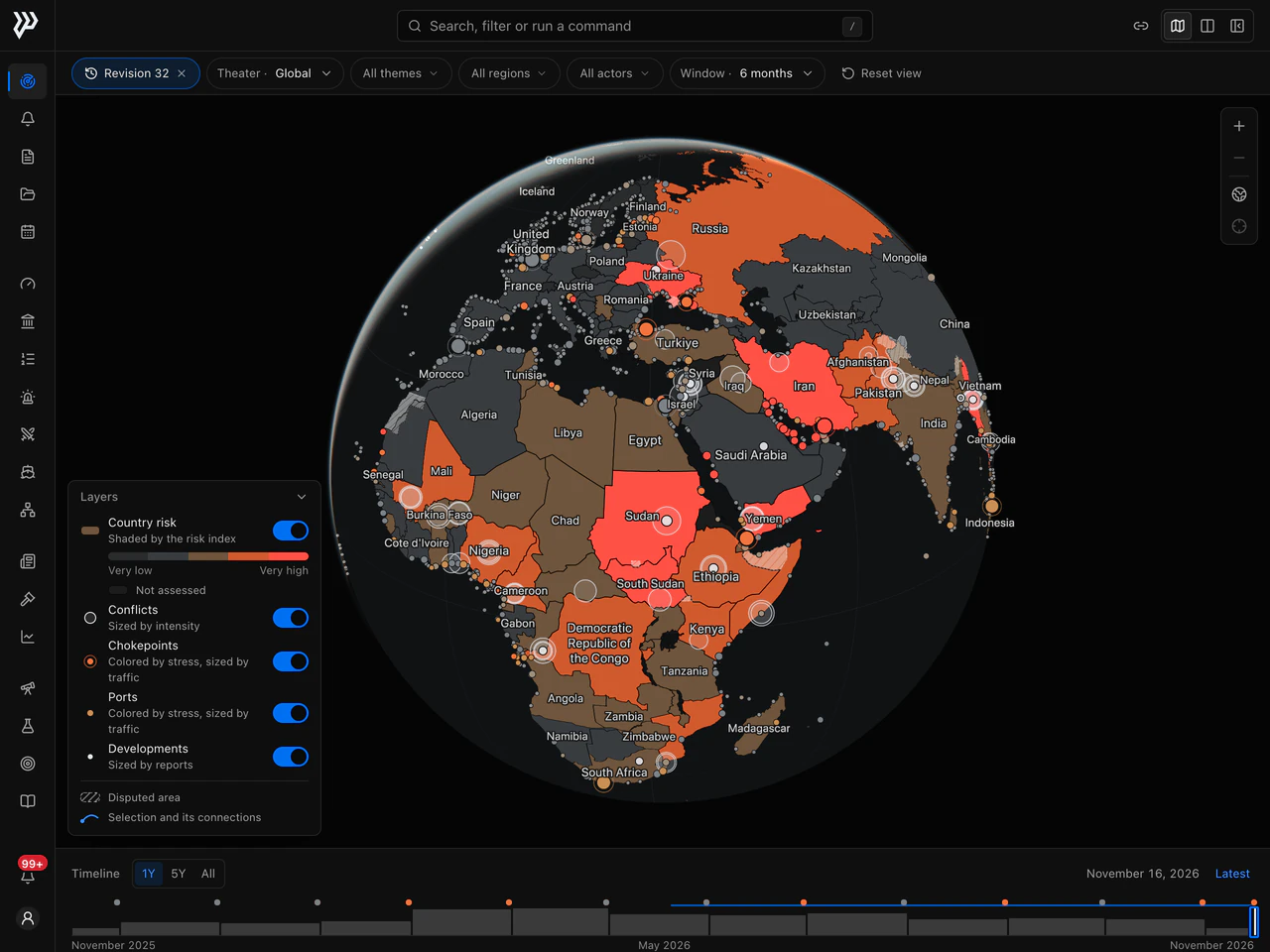
States are shaded by risk class, with active conflicts, chokepoints, ports and developments drawn above them. Select anything to outline its connections, and the camera follows.
- Risk classes that read by lightness alone, for any color vision
- Layers you can switch in every module
- Disputed areas hatched, with no position taken on any claim
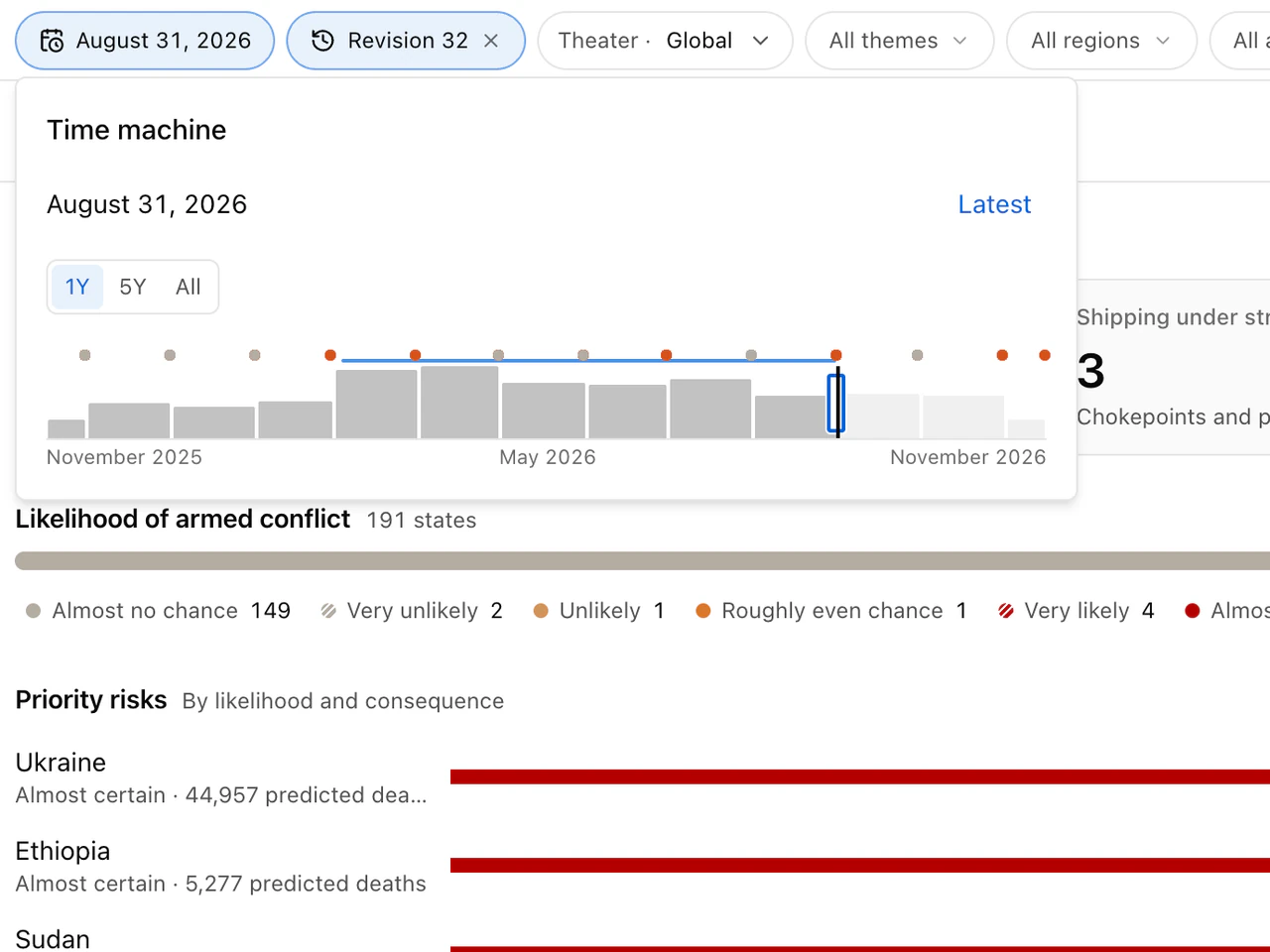
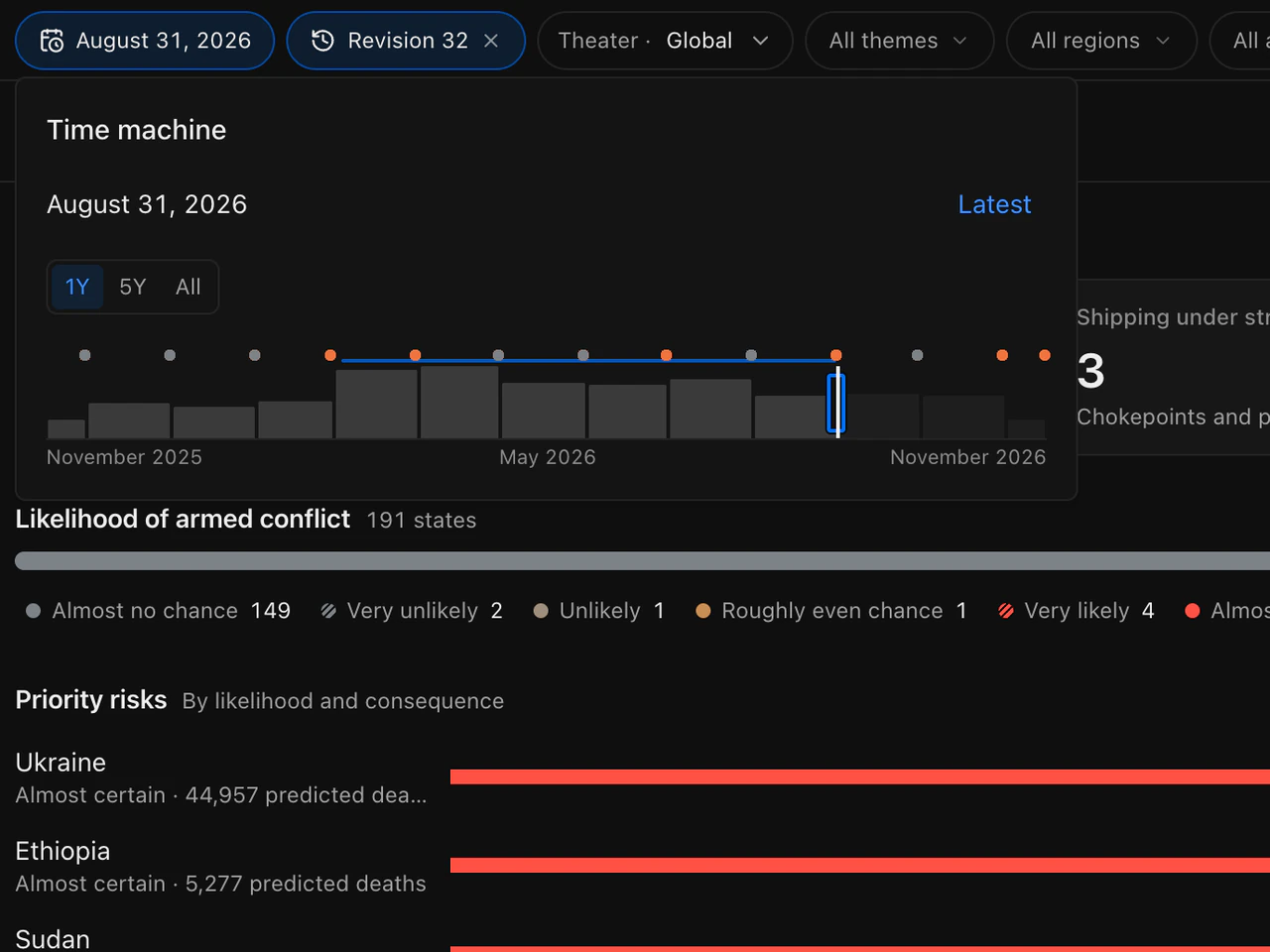
Time machine
Go back to any date.
Set the as-of date on a slider over the history of reports, and every number is computed again for that day, with nothing published later.
- Moves by day, or by month from the keyboard
- Marks the month-end changes of likelihood bands
- Reaches back to the first day of any data
Command bar
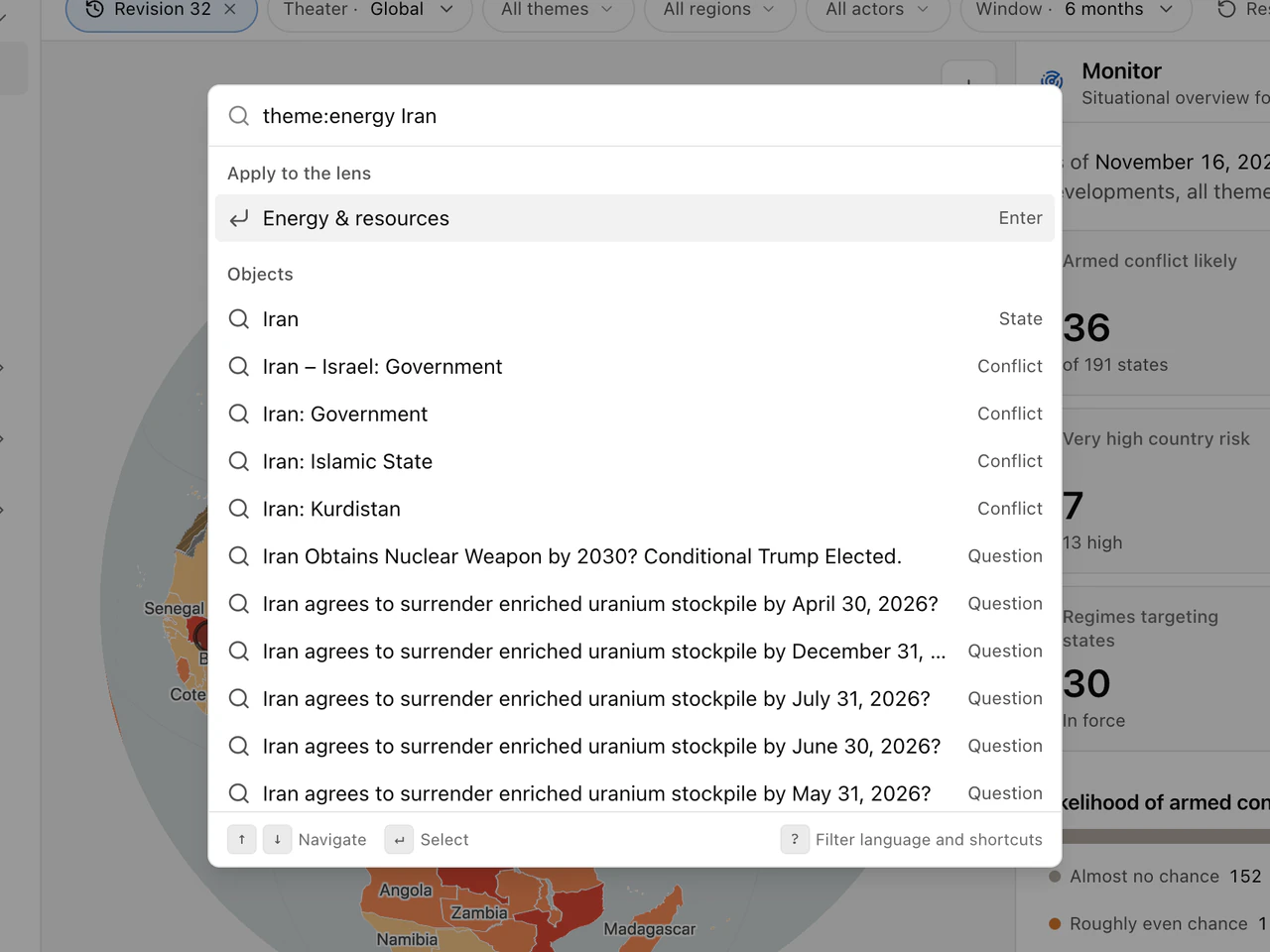
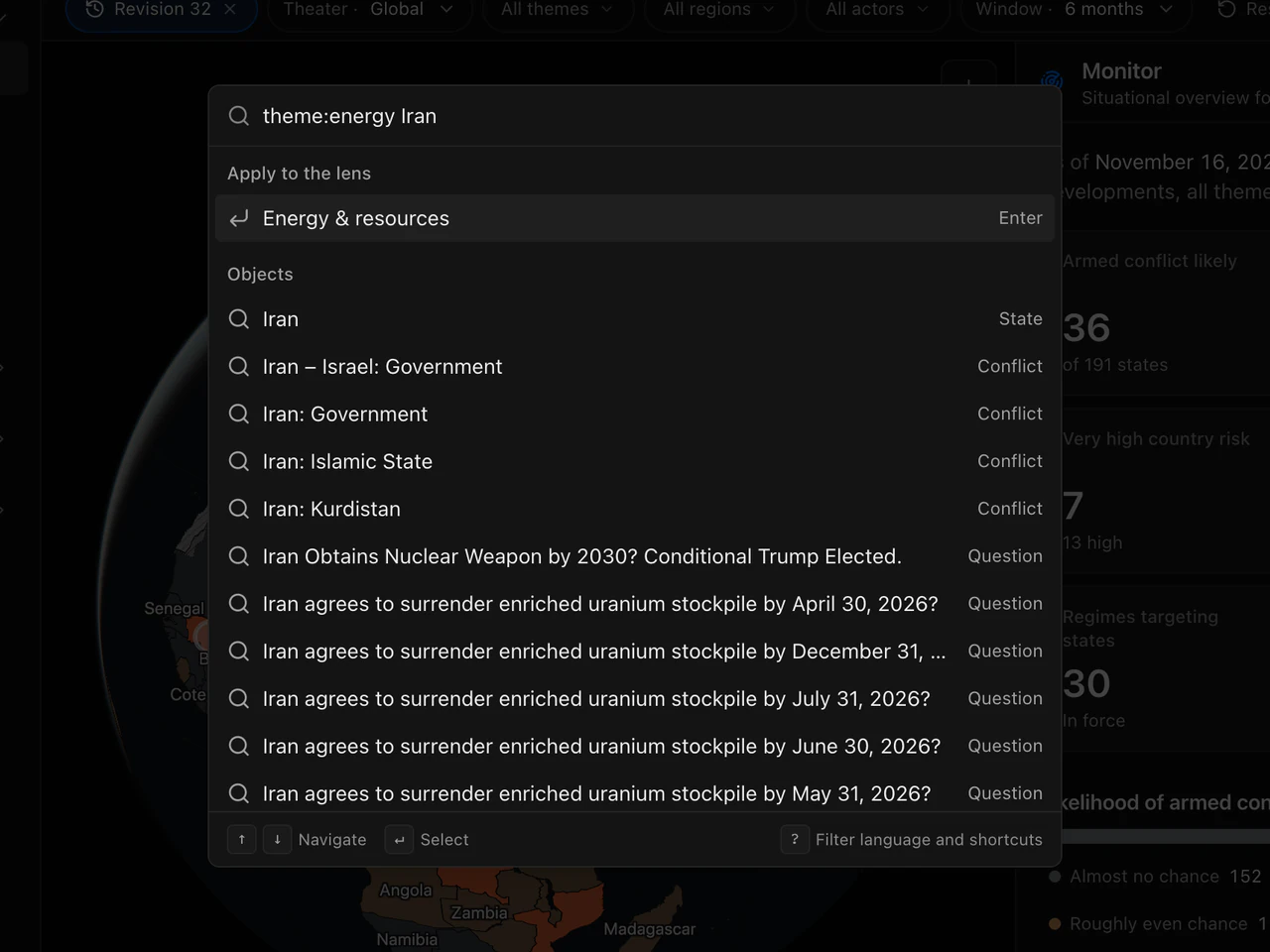
Work at the speed of the keyboard.
Search objects, open modules, run actions and add filters typed as terms: a theme, a region, an actor, a window or a date.
- Opens with a slash or Cmd+K
- Dates typed as days, months, years or offsets
- Shortcuts for the date, the panel and the inspector
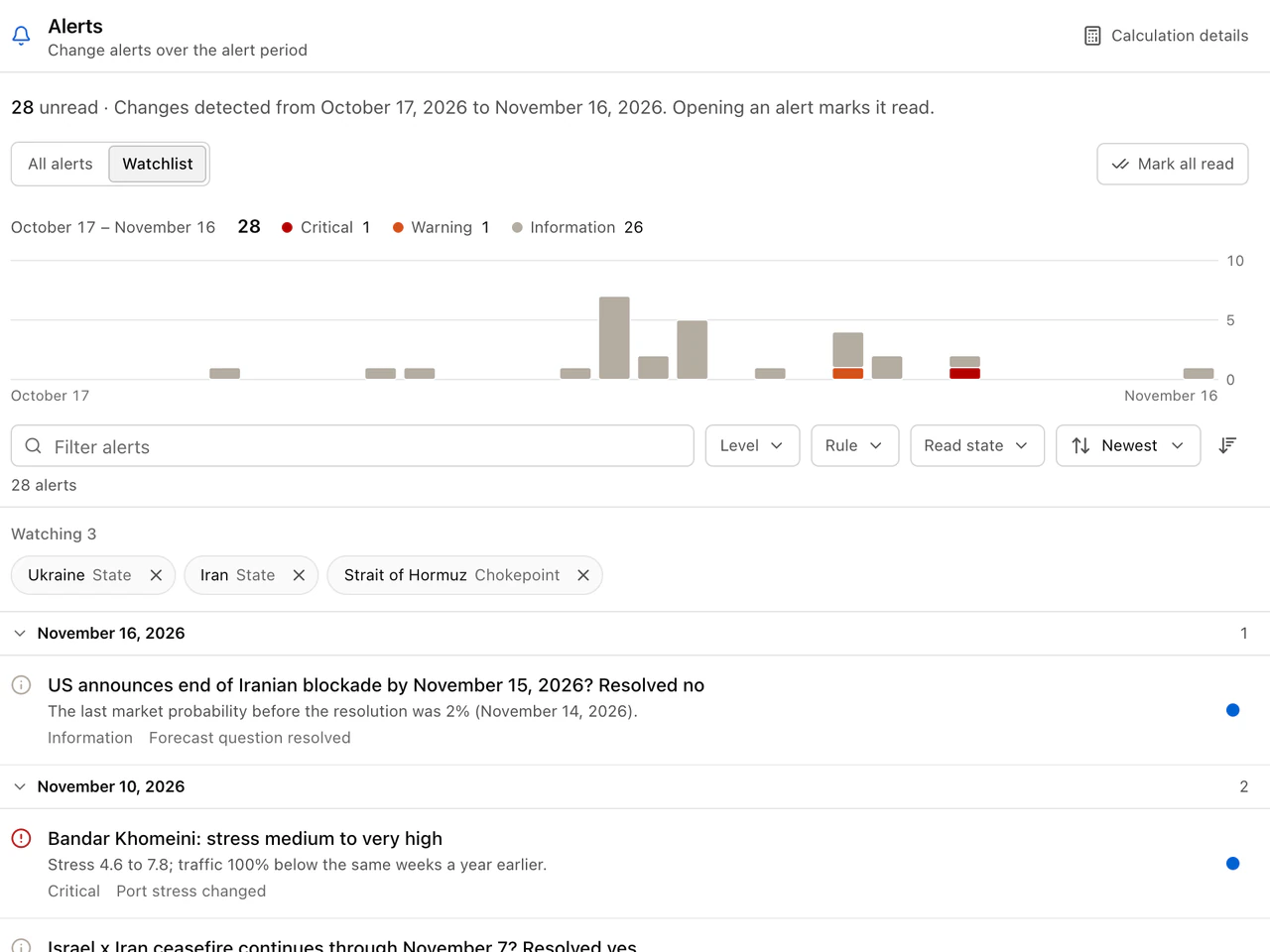
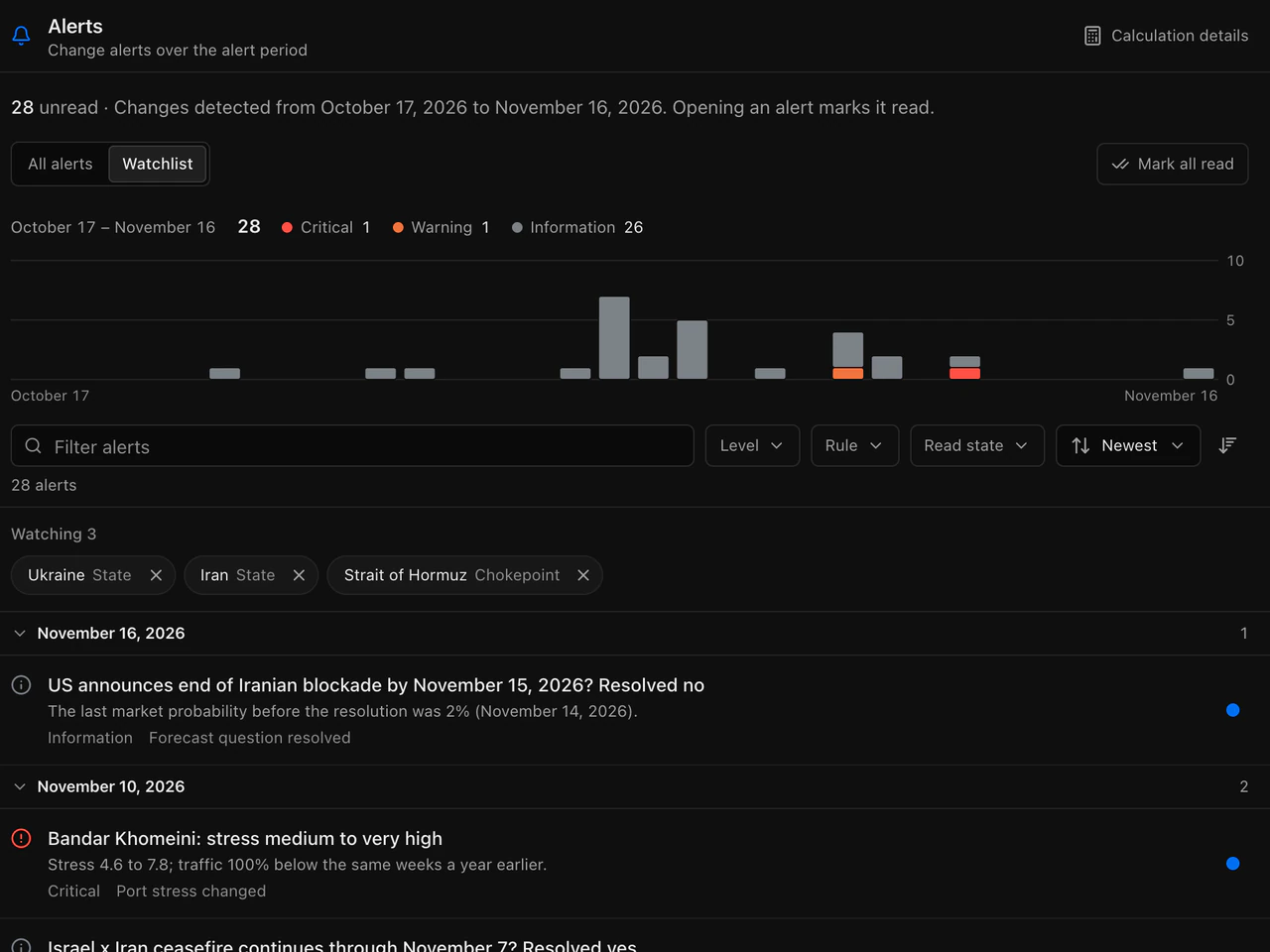
Alerts and watchlist
Know when something changes.
Alerts fire when a likelihood band, a risk class, a stress class or a conflict level moves, when a regime is amended and when a question resolves.
- A watchlist scope for the objects you follow
- Read state that follows you across devices
- The newest unread alerts one click away
Briefs and dossiers
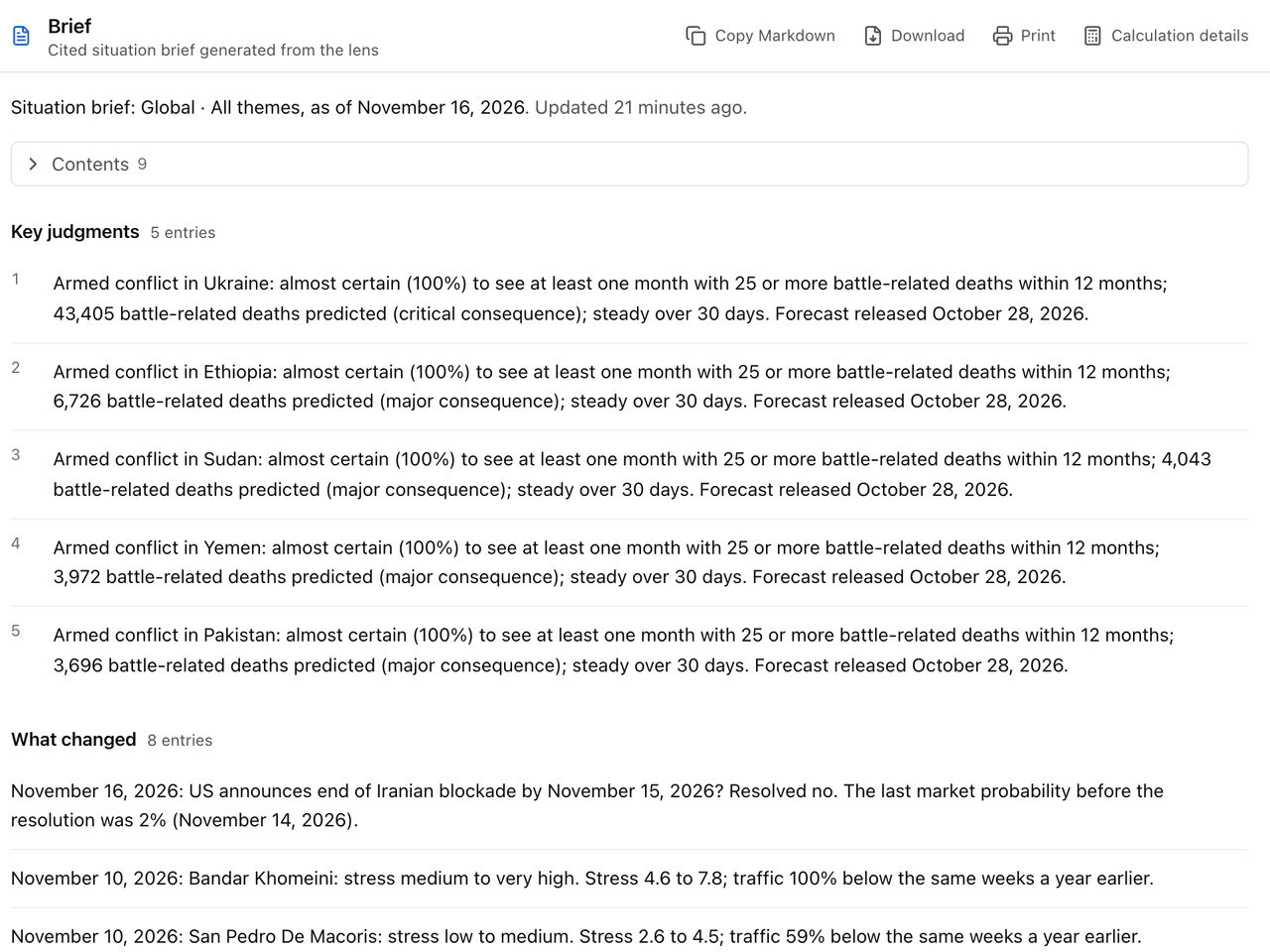
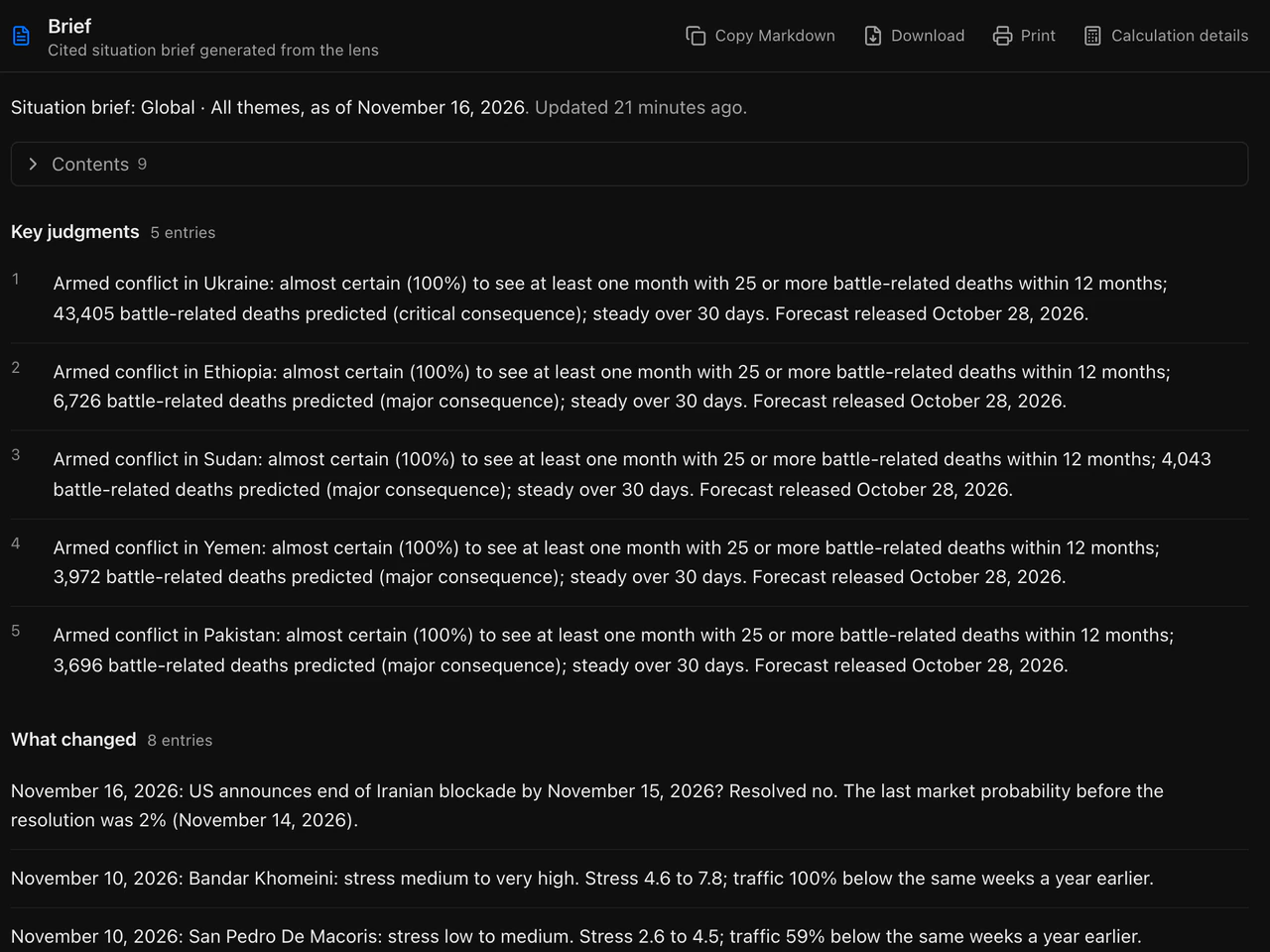
Brief leadership with sources.
A cited brief for any lens and a dossier for any actor, each a document with its contents and numbered key judgments.
- Copied, downloaded or printed as Markdown
- Every judgment opens the object it is about
- The same document over the API
Built for the analyst's day.
Shareable views
The address holds the whole view. A link reopens it, and with a date and a revision, the same numbers.
Calculation details
Every page opens the models and parameters behind its numbers without leaving the page.
Every screen
From a phone to a wide display, the map and the panel share the stage the way the work needs.
Keyboard and motion
Shortcuts for every frequent action, focus that returns where you left it, and motion that follows your reduced-motion setting.
Open the workbench on your regions and themes.
Request access for your analysts, and we set up their sign-in.